
Help
How AVAjart
works
AVAjart is a HUD — an on-screen panel — for Second Life. It's the social layer of SL: a top feed of people who wear it, private chat, compliments and a nearby radar. One small script, free.
Get it & wear it
- Get the HUD on the SL Marketplace — it's free.
- In your inventory, right-click it → Attach to HUD → Top.
- For a few seconds you'll see “AVAjart HUD · loading”. Then the strip appears on top of your screen.
Top feed & TOP UP
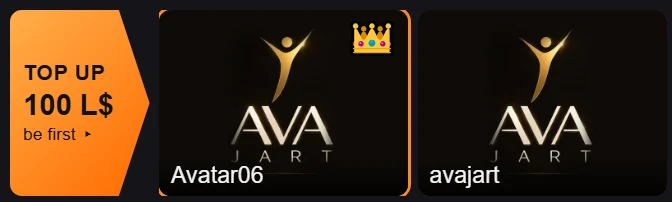
The strip on top of the screen shows the people who wear the HUD — everyone with AVAjart sees it.
- Place #1 wears the crown. To take it, click the orange TOP UP — 100 L$ arrow at the left of the strip and pay 100 L$.
- The › ‹ arrows at the right scroll the strip.
- − and + in the middle of the menu change the panel size.
Click any card
A panel opens inside the HUD with that person:
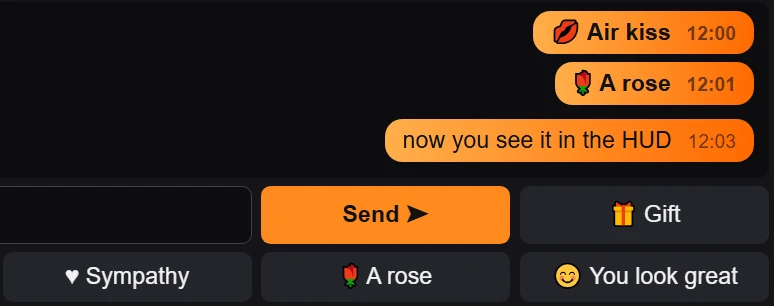
- Private AVAjart chat — type and press Send.
- Like ♥ — one click.
- One-click compliments — Wink, Hi there, Air kiss, Sympathy, A rose, You look great.
- Invite, and a button to their SL profile.
Your friend doesn't wear the HUD? They still get your message as a normal SL IM signed with your name.

Nearby + camera
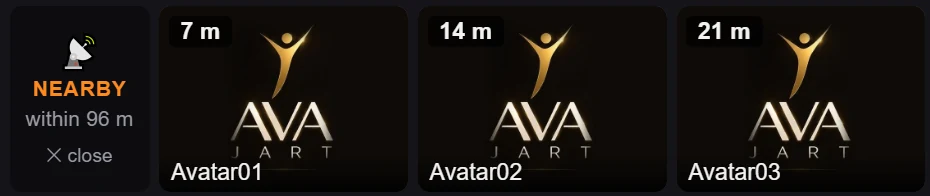
Click Nearby in the menu to see avatars within 96 m, with their photos and distance.
LOOK flies your camera to that person. × close hides the row again.
My card
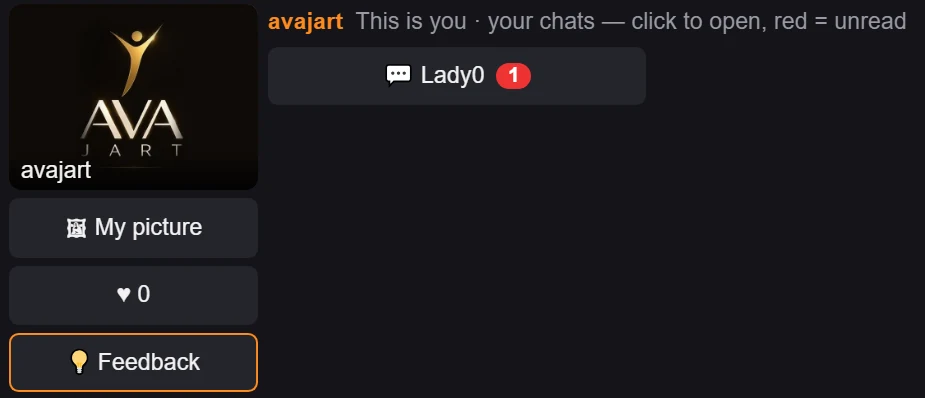
Click My card to see your own profile:
- My picture — the picture people see in the feed.
- ♥ likes you've received.
- Your chats — click to open; red = unread.
- Feedback — write to us right from the HUD.
Light by design
The HUD runs one small script. All features live on the AVAjart server, so the HUD stays light for you and for the region.
Coming soon
- Free mocap dances
- Dance together
- Gifts
TV already works in the HUD today — creators can apply for their own AVAjart TV channel.

Something wrong?
The strip is white or dark
Just wait a few seconds — the HUD is still loading (“AVAjart HUD · loading”).
The panel stays white
Relog to Second Life.
No panel at all on one region
Go to another region and re-attach the HUD there (Attach to HUD → Top).
Still stuck? Send us a message — or use My card → Feedback in the HUD.
Privacy & cookies
This website uses Google Analytics only if you click Accept in the cookie banner. Until then no analytics cookies are set and no analytics script is loaded. You can change your choice any time with “Cookie settings” at the bottom of the page.
Messages sent with the feedback form (kind, optional SL name, text) are used only to answer and improve AVAjart.